Sync
Keep your route data together with Anquet Cloud.
Sign in with the same OMN4 account to keep routes, tracks, waypoints, settings, activity types, and supported icon imports in step across desktop, iPhone, iPad, and Android.
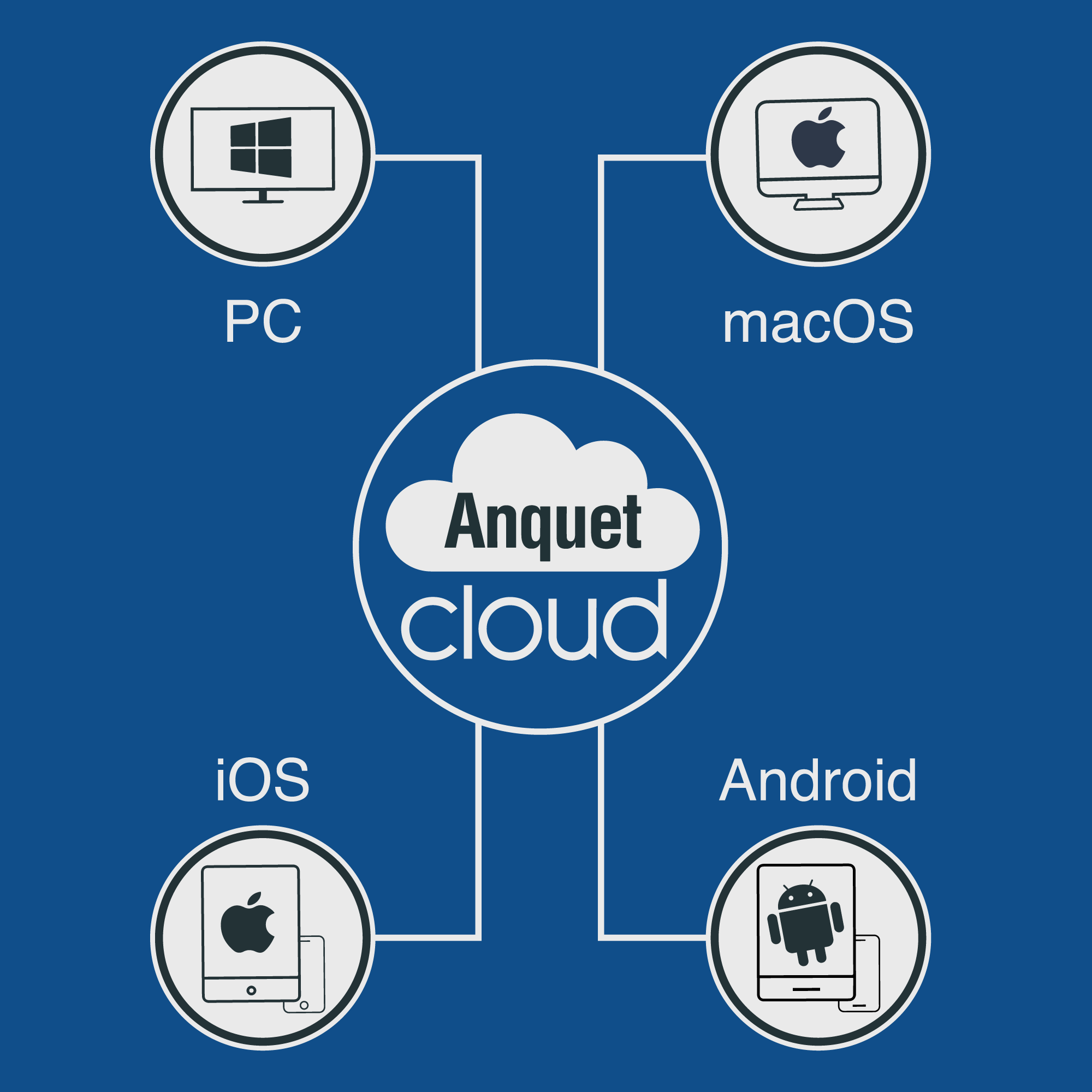
What syncs
Use Anquet Cloud wording for the supported personal data list, not a broad claim that every file copies everywhere.
- Routes, tracks, and waypoints sync.
- Settings, activity types, and supported icon imports sync.
What your account unlocks
The same OMN4 account can unlock subscribed maps on supported devices, subject to the plan and platform.
- Account access is separate from offline files.
- Plan detail belongs on the pricing page.
Why offline maps are per device
Offline map files can be large, so each phone, tablet, and desktop manages its own downloads, storage, updates, and verification.
- Download maps on the device you will use.
- Missing offline maps after sign-in are normally a download task.
Keep an extra portable copy
GPX remains useful when you want an additional portable copy of route, track, or waypoint data.
- Use GPX for transfer where appropriate.
- Do not describe GPX as a replacement for sync.
Proof gate
Screenshot proof before public launch
WEB-08 must include the approved split near the visual: personal data syncs, map access is account-based, and offline map downloads are per-device. Avoid the banned map-sync shorthand.
Help and detail
Marketing pages explain the value and proof. Step-by-step instructions stay in the help centre.
Ready to plan properly?
Start a 7 day trial, install OMN4 on the devices you use, and download the maps you need before your next route.